
.png)
TL;DR
- Document automation tools split into real, different shapes: hybrid extraction infrastructure, AI-native parsing for LLM pipelines, no-code workflow builders, industry specialists, and email-first parsers built for non-technical teams.
- Pricing models vary as much as capabilities do: per-page, per-document, per-credit, or opaque sales quotes, and they change the real cost at volume more than the sticker price suggests.
- A tool built for simple, low-variance documents can hit a real accuracy ceiling the moment document variety increases, regardless of how good its demo looked.
- Sensible combines deterministic layout-based extraction with LLM reasoning under one API, so document structure decides the method rather than forcing every document through the same approach.
- This guide compares six tools across extraction approach, pricing model, and workflow depth, so the choice comes down to which shape actually matches your document mix.
Every business that processes documents at any real volume eventually goes shopping for a tool to automate it, and quickly discovers the category isn't one thing. Some tools are built for developers wiring extraction into a product. Some are built for an operations team that wants to forward an email and get data back. Some specialize in one industry's documents so deeply that they're the wrong choice for anything else.
This guide starts by mapping the real shapes this category takes, before ranking six tools, what each one is actually built for, and where it starts to strain.
What Is Document Automation Software?
Document automation software replaces the manual work of opening a document, finding the relevant information, and typing it into another system with a workflow that does that automatically, repeatedly, and without a person touching every single file. It covers the full path a document takes: arriving from wherever it originates, an email inbox, an upload, an API call, getting identified and sorted, having its data extracted, getting checked for accuracy, and landing in whatever system actually needs that data next, a CRM, an ERP, a database, or a loan origination platform.
That's a broader job than extraction alone. A tool that only pulls fields out of a document someone has already opened, sorted, and uploaded to the right place hasn't automated the workflow; it's automated one step in the middle of it. The six tools in this guide differ mainly in how much of that full path each one actually covers, and how well each handles a document it wasn't specifically built for.
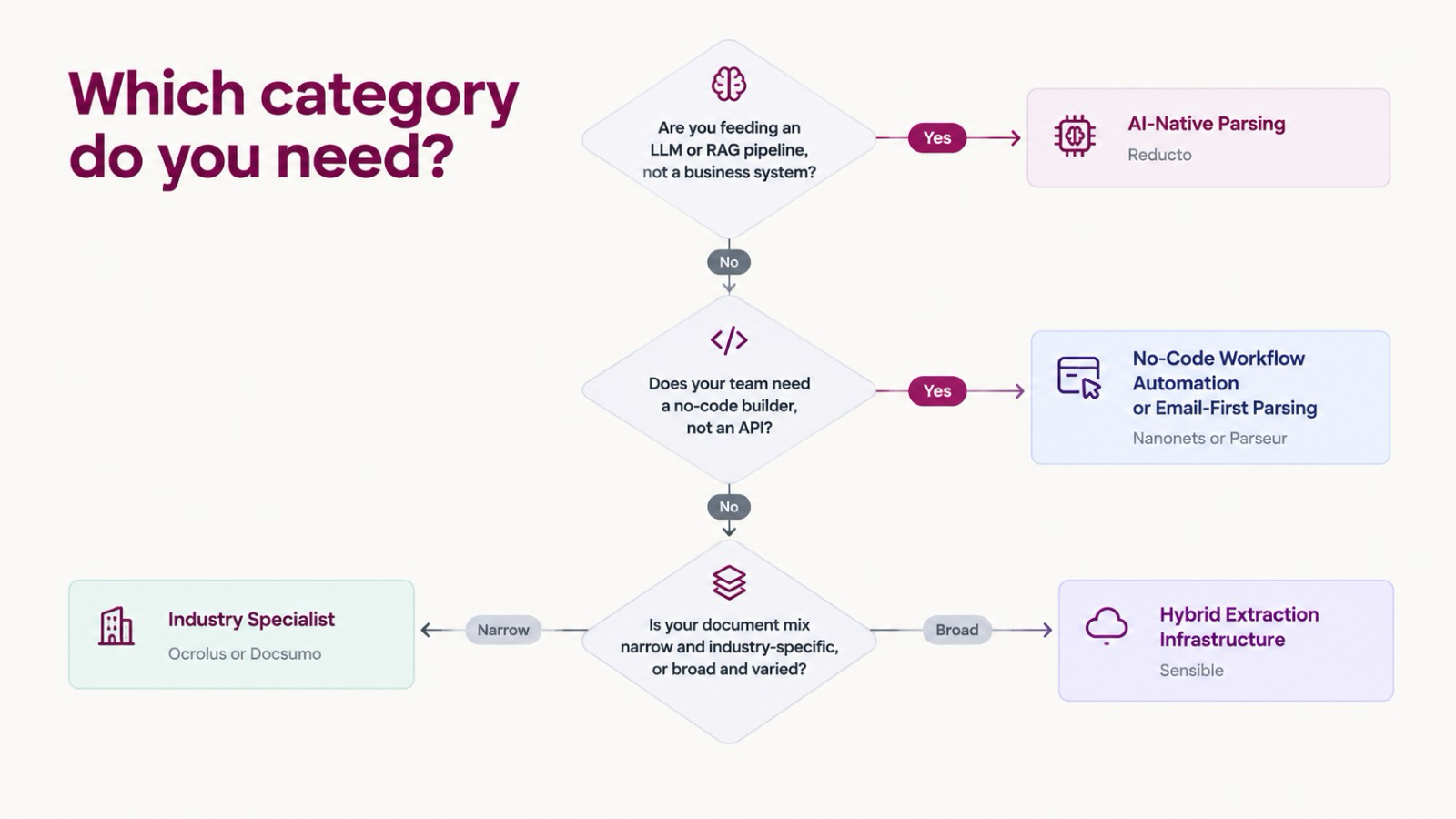
Not All Document Automation Tools Solve the Same Problem
Hybrid extraction infrastructure treats document structure as the decision point: predictable fields get deterministic extraction, variable fields get LLM reasoning, and both come back through the same schema-validated API. This is closer to a building block a team integrates than a finished workflow tool.
AI-native parsing tools optimize for a different consumer entirely, an LLM or a RAG pipeline, not a human reviewing a dashboard. The output is usually structured text or markdown rather than a typed business object, built for feeding a model rather than populating a CRM field.
No-code workflow automation puts extraction inside a visual builder, so a non-developer can assemble extraction plus routing logic without writing code. The trade-off is usually less control over exactly how a specific field gets extracted.
Industry-specialist tools go deep on one document category, often at real cost: Ocrolus is built specifically for lending and financial documents, Docsumo covers financial documents broadly. Both do that narrow job well and aren't built to flex much beyond it.
Email-first no-code parsing is the lightest-weight category here: forward an email, get data back, no engineering required. It trades flexibility and document variety for the fastest possible time to a working setup.
The 6 Best Document Automation Tools
1. Sensible: Best for Hybrid Extraction Infrastructure
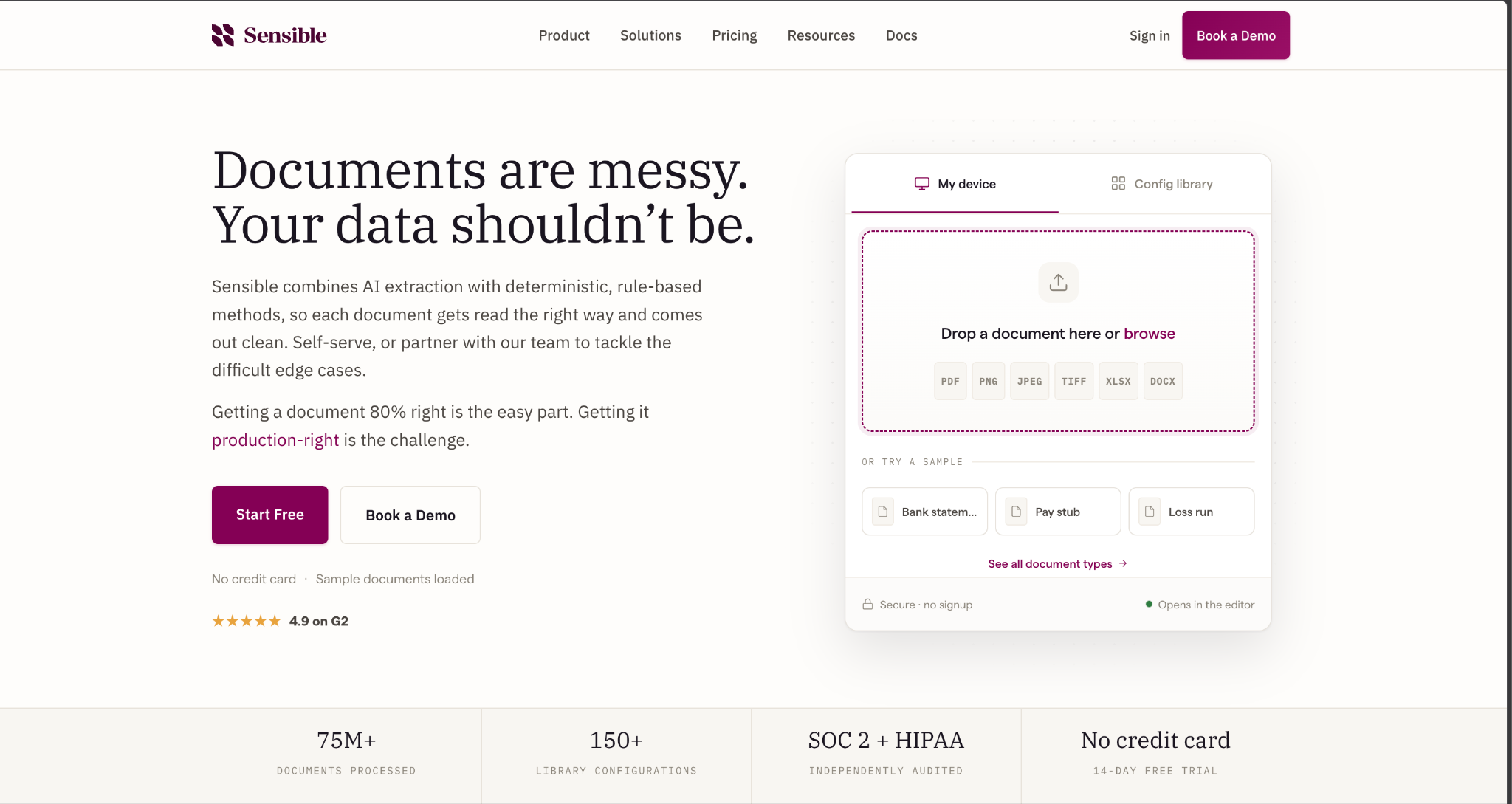
Best for: Engineering and product teams building document extraction into a product, who need predictable behavior on documents with real structural variety, not just a narrow, consistent set.
Sensible combines deterministic, layout-based extraction with LLM parsing under a single API, using SenseML, a declarative configuration language managed through the API with its own built-in versioning; drafts get promoted from a development environment to production once tested. The platform has processed more than 75 million documents in production, ships with 150-plus prebuilt configurations across insurance, healthcare, financial services, logistics, and property. It is SOC 2 Type II certified and GDPR-compliant, with HIPAA compliance available on Enterprise plans.
Key Functionalities
- Layout-based extraction runs where document structure is predictable, returning the same value on every run with no prompt to maintain.
- LLM reasoning runs where the layout isn't predictable, with schema enforcement guaranteeing the shape and type of the output regardless.
- Agentic workflows chain extraction steps together, breaking a complex extraction into a sequence rather than forcing one prompt to handle everything at once.
- Every extracted field carries source-coordinate audit trails back to the original document, visually represented in the Sensible app, so a discrepancy is traceable in seconds
- Configurations are version-controlled code, reviewable and deployable through a REST API or Python and Node SDKs, not a UI one person manages manually.
- A managed services option handles setup and maintenance directly. For teams that would rather not own configuration work in-house, Sensible's team can build, maintain, and evolve extraction configurations on a customer's behalf, an option most competitors on this list don't offer as a standing service.
Pros:
- Handles genuine document variety without a hard accuracy ceiling on complex or unfamiliar layouts
- Per-document pricing, not per-page, which stays predictable on longer documents
- Provenance on every field makes errors traceable without re-reviewing the source file by hand
- A fully managed option is available for teams that want the setup, maintenance, and custom build-out done for them, not just self-serve tooling
Cons:
- Writing SenseML configs is closer to engineering work than a point-and-click setup, a real barrier for a non-technical team.
- No built-in no-code workflow builder the way Nanonets or Parseur offer
Pricing: Per document, not per seat. The Growth plan runs roughly $499 per month for around 750 documents, about $0.66 per document. A 14-day free trial is available with no credit card required.
Verdict: The strongest fit for a team building extraction into its own product, especially one processing a genuinely varied document mix rather than one narrow, consistent format. Teams that want a finished, no-code workflow tool rather than developer infrastructure will find the setup heavier than they need. Teams that don't want to own that setup at all can hand it off entirely through Sensible's managed service instead.
2. Reducto: Best for AI-Native Parsing in LLM Pipelines
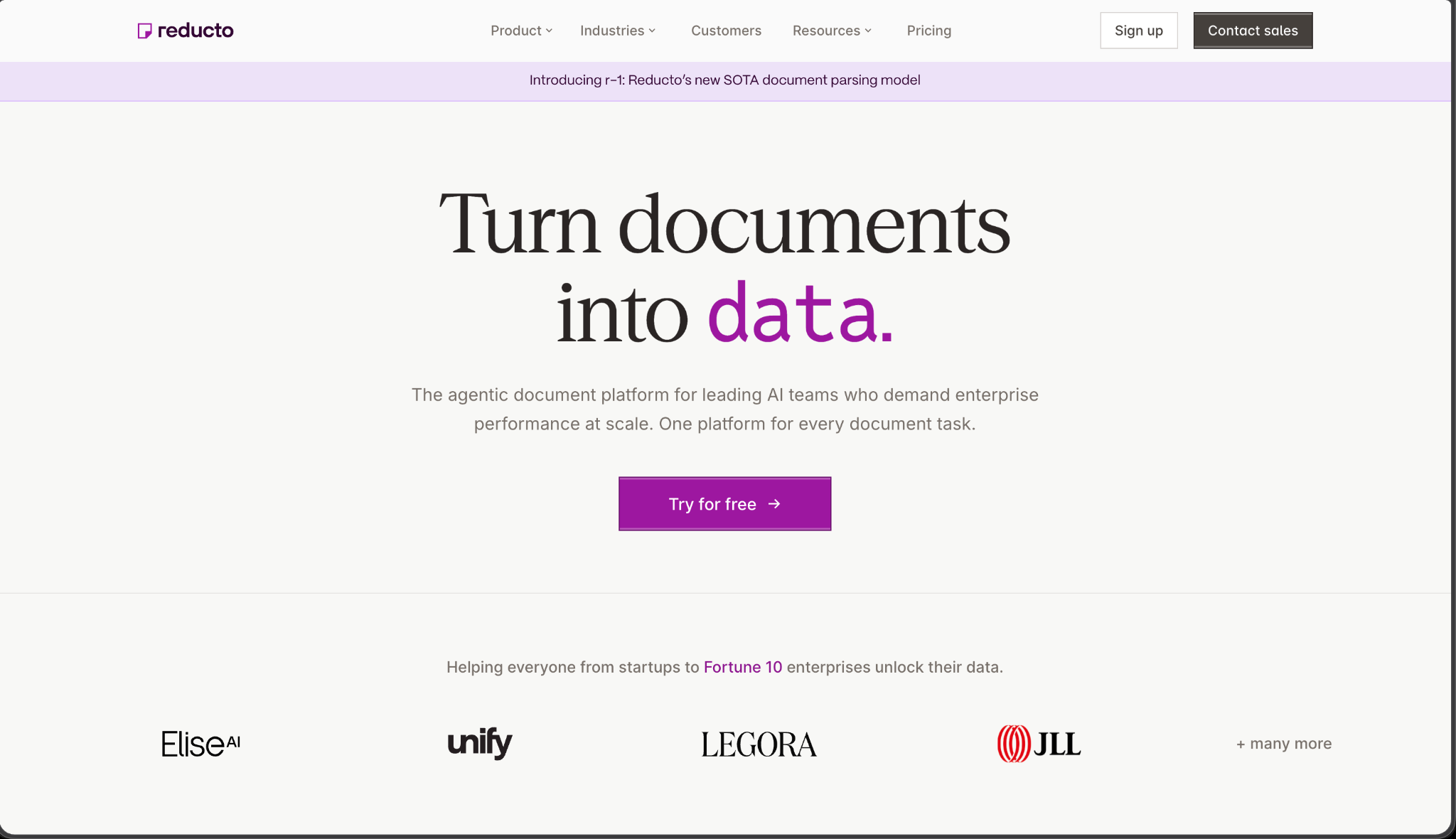
Best for: AI teams building RAG pipelines or LLM applications that need documents converted into clean, structured, LLM-ready text, not a traditional business-system integration.
Reducto is a document parsing API combining computer vision, OCR, and vision-language models into what it calls Agentic OCR, converting PDFs, spreadsheets, and presentations into structured JSON and markdown. Its r-1 model, released as a faster, cheaper successor to its earlier agentic pipeline, prices at roughly one cent per page all-in, a real drop from the three-to-six cents per page its prior models ran.
Key Functionalities
- A multi-pass pipeline combines OCR and vision-language models for accuracy on dense tables, handwriting, and unusual layouts.
- Granular citations and bounding boxes trace output back to its exact position on the page.
- Multi-document splitting separates a multi-file PDF into individual units without manual pre-processing.
- Multilingual parsing covers more than 100 languages, including mixed-language documents.
Pros:
- Led an independent long-document benchmark (LongExtractBench), the only one of seven systems tested to complete all 225 long documents
- r-1 pricing is a genuine, transparent drop from its own prior model generation
- Enterprise tier supports VPC, on-premises, and air-gapped deployment for regulated environments
Cons:
- Built around vision-language parsing without a comparable deterministic, rule-based extraction layer, per Sensible's own stated positioning
- Output is closer to structured text for a model to consume than a typed business object ready for a downstream system.
- Free tier caps at 15,000 credits, which smaller teams can burn through faster than expected before reaching production scale
Pricing: r-1 Parse starts at $10 per 1,000 pages; Extract starts at $20 per 1,000 pages. Standard accounts include 15,000 free credits. Growth and Enterprise pricing includes volume discounts, with a startup program offering free credits and discounted rates.
Verdict: The strongest fit for a team feeding documents into an LLM or RAG pipeline, where the consumer of the output is a model, not a person filling out a form. Teams that need a typed, schema-validated business object for a traditional downstream system will find Sensible's deterministic layer a better match.
3. Nanonets: Best for No-Code Workflow Automation
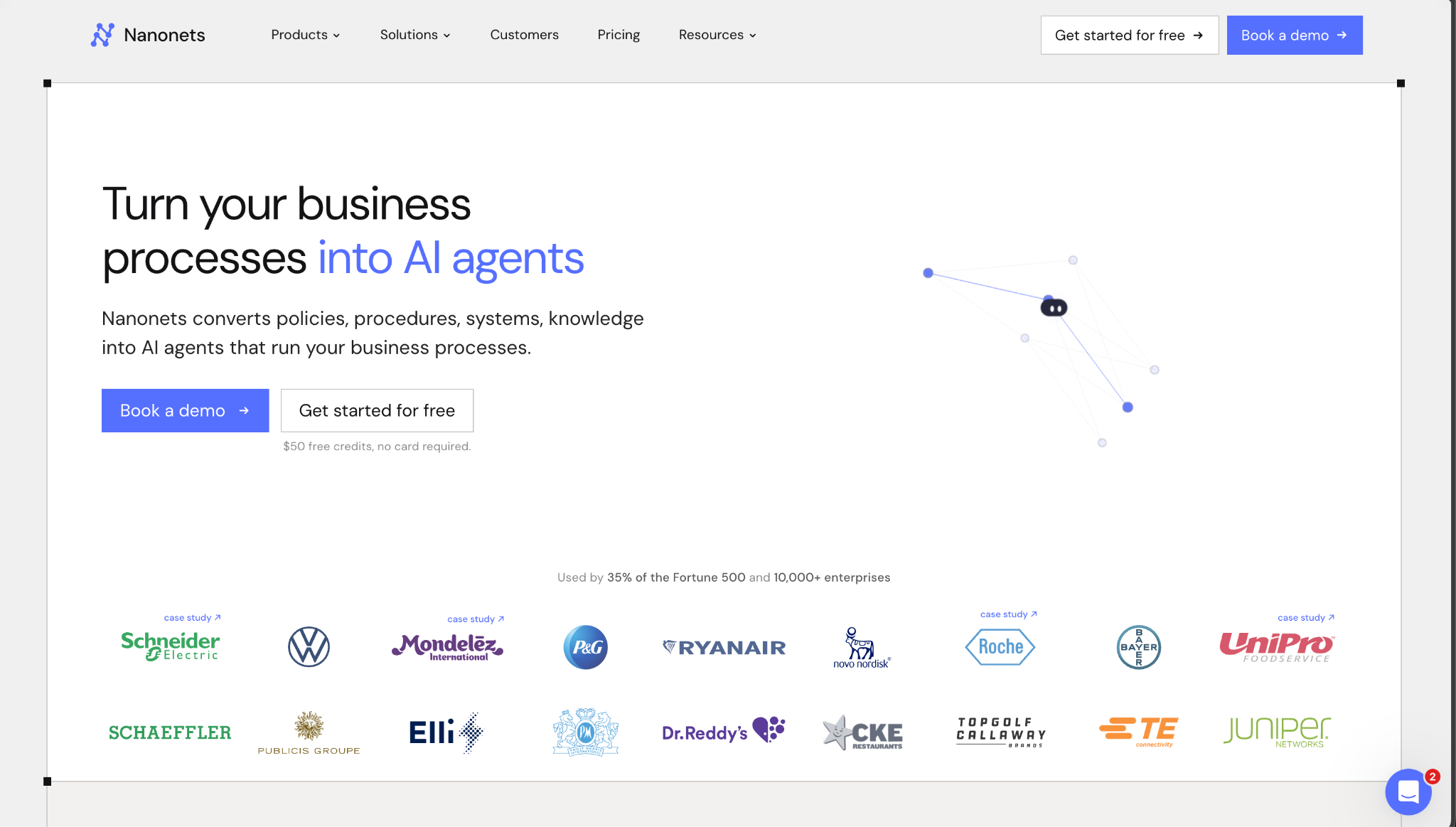
Best for: Operations and finance teams that want a visual, no-code way to build extraction plus routing logic, without hiring an engineer to maintain it.
Nanonets combines deep learning models with OCR in a drag-and-drop workflow builder, using what it calls AI blocks for extraction, classification, enrichment, and transformation, with conditional logic and optional custom Python blocks for advanced rules. It connects natively to a broad set of business tools: SAP, Oracle Fusion, NetSuite, Dynamics 365, QuickBooks, Sage, Xero, Salesforce, and Zapier.
Key Functionalities
- A visual workflow builder assembles extraction and automation logic without writing code.
- The platform improves from corrections over time, learning from what a reviewer corrects rather than requiring a full retrain.
- Native ERP and CRM connectors cover most major business systems without custom integration work.
- Conditional control flows and Python blocks handle branching logic and edge cases inside the same workflow.
Pros:
- Genuinely strong no-code experience for a non-technical operations team
- Broad, native integration coverage across ERP, accounting, and CRM tools
- Well-regarded API documentation and webhook reliability for teams that do want to integrate directly
Cons:
- Pay-per-block pricing means cost varies with workflow complexity, harder to forecast than a flat per-document rate, per Sensible's own characterization
- Customization has real limits on highly irregular layouts, dense tables, or handwriting compared to tools built specifically for that variability
- Best suited to simpler, less variable document sets; teams with a genuinely broad, inconsistent mix report hitting real limits
Pricing: Usage-based, not a flat monthly rate. A free Starter tier includes $200 in credits. Beyond that, simple operations run $0.02 per block, standard AI tasks $0.10, and complex AI extraction $0.30, with a typical invoice workflow running 4 to 6 blocks per document. Growth and Enterprise pricing are both custom-quoted, with volume discounts up to 40%.
Verdict: A strong choice for an operations team that wants a visual builder over an API, especially one working with fairly consistent document types across a well-supported set of business integrations. Teams with highly variable or unusually complex documents may hit real ceilings the no-code model doesn't flex past.
4. Ocrolus: Best for Lending and Financial Document Analysis
Best for: Lenders, fintechs, and banks that need deep, specialized analysis of bank statements, pay stubs, and tax documents, with built-in fraud detection.
Ocrolus is a document automation platform built specifically for the lending ecosystem, powering underwriting decisions for customers including PayPal, SoFi, and LendingClub. Beyond extraction, it includes Detect, a tampering and fraud-detection layer that flags documents edited after creation, and Human-in-the-Loop validation for cases where automated confidence isn't high enough.
Key Functionalities
- Fraud and tampering detection flags signs that a document was altered after the fact, a real differentiator in lending specifically.
- Human-in-the-Loop validation backstops automated extraction with manual review where it matters most.
- Loan Origination System integrations, including Encompass, route extracted data directly into lending workflows.
- Claims 99%-plus accuracy on financial documents specifically, a category it has processed at genuine scale.
Pros:
- Deep, purpose-built specialization in the exact documents a lender processes most
- Fraud detection is a real, distinct capability most general-purpose extraction tools don't offer
- Backed by significant funding and used by major, well-known lending platforms
Cons:
- Pricing isn't published; every engagement requires a sales conversation, making upfront cost comparison genuinely difficult.
- Built narrowly for lending and financial documents, a poor fit for teams needing broader document-type coverage
- Human-in-the-loop processing can add latency compared to a fully automated pipeline.
Pricing: Not publicly disclosed. Billing runs on a per-document or per-product-unit basis (pages, forms, statements) rather than per user, with mortgage-specific tiers billed per application. Third-party estimates place per-statement costs roughly between $0.50 and $2.00 on annual contracts.
Verdict: The strongest choice for a lending or fintech team whose document mix is genuinely narrow- bank statements, pay stubs, and tax forms- and where fraud detection matters as much as extraction accuracy. Teams outside that specific use case will find the specialization doesn't transfer.
5. Docsumo: Best for Standard Financial Document Extraction
Best for: Teams processing standard, relatively consistent financial documents, invoices, receipts, US bank statements, who don't need to handle a lot of layout variety.
Docsumo is a document AI platform automating extraction, validation, and analysis from unstructured documents, with document classification and automated approval workflows built in, serving financial services, healthcare, and logistics. It reports strong customer satisfaction and has established references in banking and insurance specifically.
Key Functionalities
- Automated classification and approval workflows route documents without manual sorting.
- Integrations with existing CRM and ERP systems connect extracted data to a team's existing stack.
- Strong out-of-the-box coverage of standard financial document types, invoices, receipts, and common bank statement formats.
Pros:
- Strong, proven fit for standard, common financial document types specifically
- High reported customer satisfaction with real references in banking and insurance
- Established platform with a mature product for its core use case
Cons:
- Reports of hitting a real accuracy ceiling on more diverse document types, longer documents, or complex table extraction, per teams evaluating it against alternatives
- Per-page pricing compounds on longer, multi-page documents in a way per-document pricing doesn't
- Narrower document-type coverage than a hybrid platform built for wider structural variety
Pricing: Not fully published; pricing is per page, which teams evaluating multi-page document volume should factor into a direct cost comparison against per-document alternatives.
Verdict: A solid choice for a team whose document mix is genuinely standard and financial, invoices, receipts, common bank statement formats, without much structural variety to handle. Teams with more diverse or complex documents report hitting real limits worth testing against directly before committing.
6. Parseur: Best for Email-First, No-Code Parsing
Best for: Small businesses and operations teams automating high-volume, relatively simple email and document workflows, without any engineering involvement.
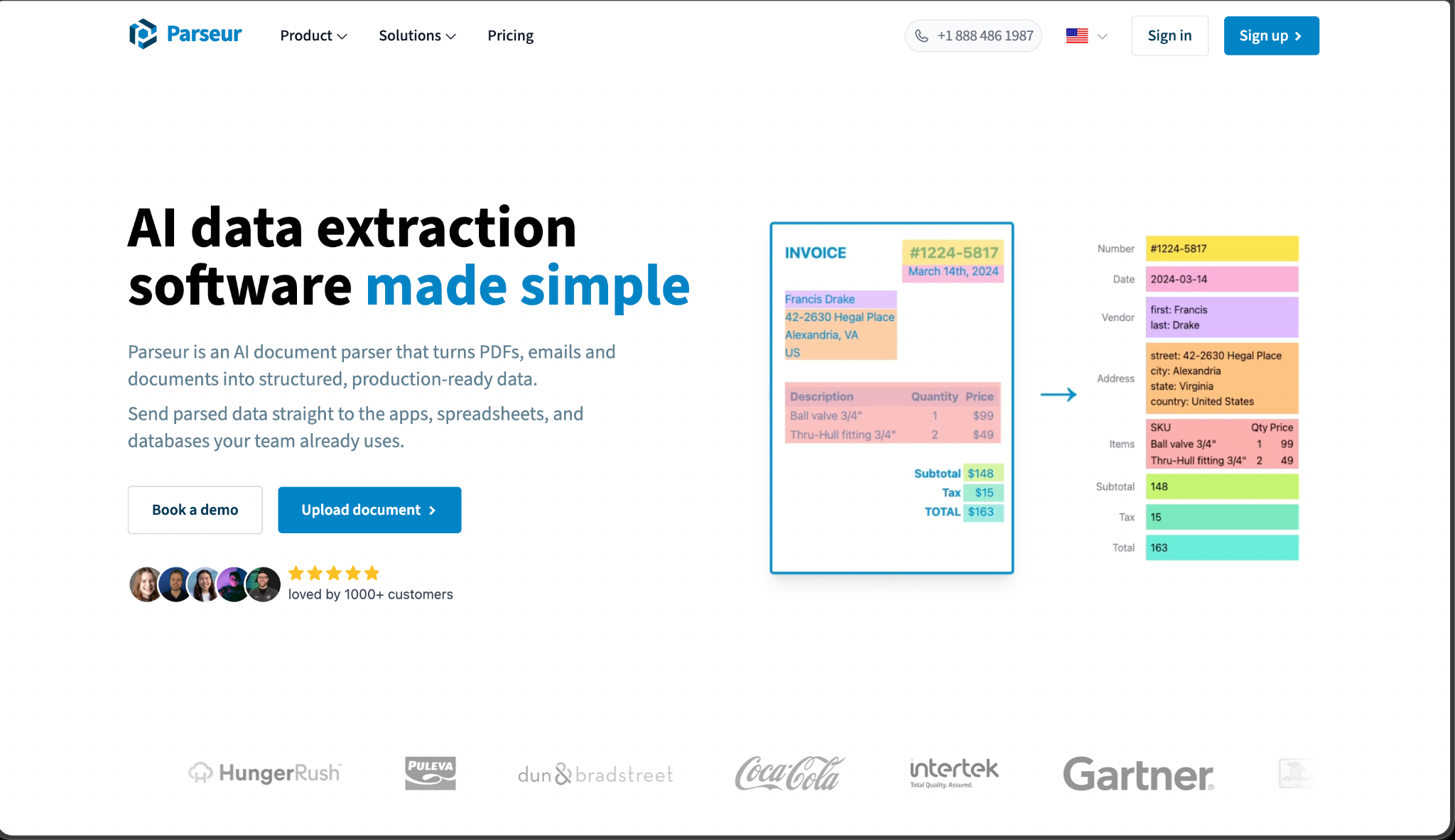
Parseur is a cloud-based email and document parser, founded in 2016, built around forwarding an email to a dedicated Parseur address and getting structured data back, with no template or parsing rules required to start, and an optional point-and-click template editor for high-volume, consistent vendor formats. It connects to thousands of applications through Zapier, Power Automate, and similar integrations.
Key Functionalities
- Email-native intake works by forwarding or CC'ing a dedicated Parseur address; no separate upload step required.
- AI parsing requires no template to start, describing the fields needed in plain language rather than building rules from scratch.
- An optional visual template editor locks in a point-and-click format for repeat, high-volume vendor formats.
- Broad no-code integration coverage connects extracted data to thousands of applications through Zapier and similar tools.
Pros:
- Genuinely the fastest, lowest-friction setup on this list for a non-technical team
- Transparent, published volume-based pricing that gets cheaper per page as usage scales
- Strong fit specifically for real estate and other email-heavy, high-volume simple workflows
Cons:
- Built for simpler, high-volume, relatively consistent workflows, per Sensible's own positioning, not complex document types requiring deep structural handling
- No deterministic, engineering-grade configuration layer for teams that need precise, code-reviewable control over extraction logic
- Credit-based pricing (one credit per email, CSV, or page) can get harder to predict at genuinely high, variable volume.
Pricing: A free tier includes 20 credits per month. The Micro plan starts around $39 per month for 100 pages; the Pro plan runs about $399 per month for 10,000 pages. Cost per page drops as volume increases, down to roughly 3 cents per page on high-volume plans. Enterprise pricing is custom.
Verdict: The best fit for a small business or operations team that wants document automation running in minutes, with zero engineering setup, on a relatively simple, high-volume workflow like email-based order or application intake. Teams with complex, highly variable documents will outgrow it quickly.
How Do These Six Document Automation Tools Compare Side by Side?
Star ratings reflect strength within each dimension, not an overall rank. These six tools solve different parts of the document automation problem, so no single tool wins across every dimension.
Which Document Automation Tool Actually Fits Your Team?
Conclusion: Match the Tool to Your Actual Document Mix
The six tools in this guide split by a question worth answering honestly before choosing any of them: how varied are the documents actually coming in, and who's consuming the output on the other end. A team feeding an LLM pipeline needs Reducto's parsing, not a typed business object. A lending team needs Ocrolus's fraud detection more than broad document-type flexibility. An operations team that wants zero engineering involvement is well served by Nanonets or Parseur, depending on whether the intake is email-first or needs a broader workflow builder. A team with a genuinely varied, structurally inconsistent document mix, the kind that breaks a rigid template the moment a new issuer shows up, is exactly the case Sensible's hybrid approach is built for.
The fastest way to know which one actually fits is the same across all six: send in the real document that's been causing problems, not a clean sample, and see what comes back.
FAQs
What's the difference between document automation software and a simple OCR tool?
OCR converts a document image into raw text without interpreting field structure. Document automation software adds classification, named-field extraction, validation, and routing on top of that text, returning typed, structured data ready for a downstream system, rather than a block of unstructured characters someone still has to parse by hand.
Does a cheaper, per-credit pricing model actually cost less at scale?
Not necessarily. A low headline rate on a credit or per-page model can compound quickly on multi-page documents or high-variance workflows, while a per-document rate stays flat regardless of page count. The real cost comparison has to run against your actual document mix, not the sticker price on a pricing page.
Can document automation tools handle documents from multiple issuers or formats?
It depends heavily on the tool's underlying approach. A tool built primarily on rigid templates or pre-trained models on standard formats tends to hit a real ceiling once issuer variety increases. Sensible applies layout-based extraction where structure is predictable and LLM reasoning where it isn't, so an unfamiliar issuer's format doesn't require a hand-built template from scratch.
How does Sensible's pricing compare to per-page competitors like Docsumo or Reducto?
Sensible charges per document rather than per page, which stays predictable on longer, multi-page documents. A per-page model can cost more on a single lengthy document than Sensible's flat per-document rate. However, a per-page tool may cost less on short, single-page documents processed at very high volume; the real comparison depends on your specific document lengths.
Do I need a no-code tool, or does my team need an API?
That depends on who's maintaining the setup. A no-code tool like Nanonets or Parseur is the right call if an operations team, not an engineering team, owns document automation long-term. An API-first platform like Sensible or Reducto makes more sense when extraction logic needs to live in a codebase, go through code review, and integrate directly into a product an engineering team already owns.
.png)
.png)